MSPs: Partner with us to protect your clients.
Learn more
Seraph Secure Threat Scanner
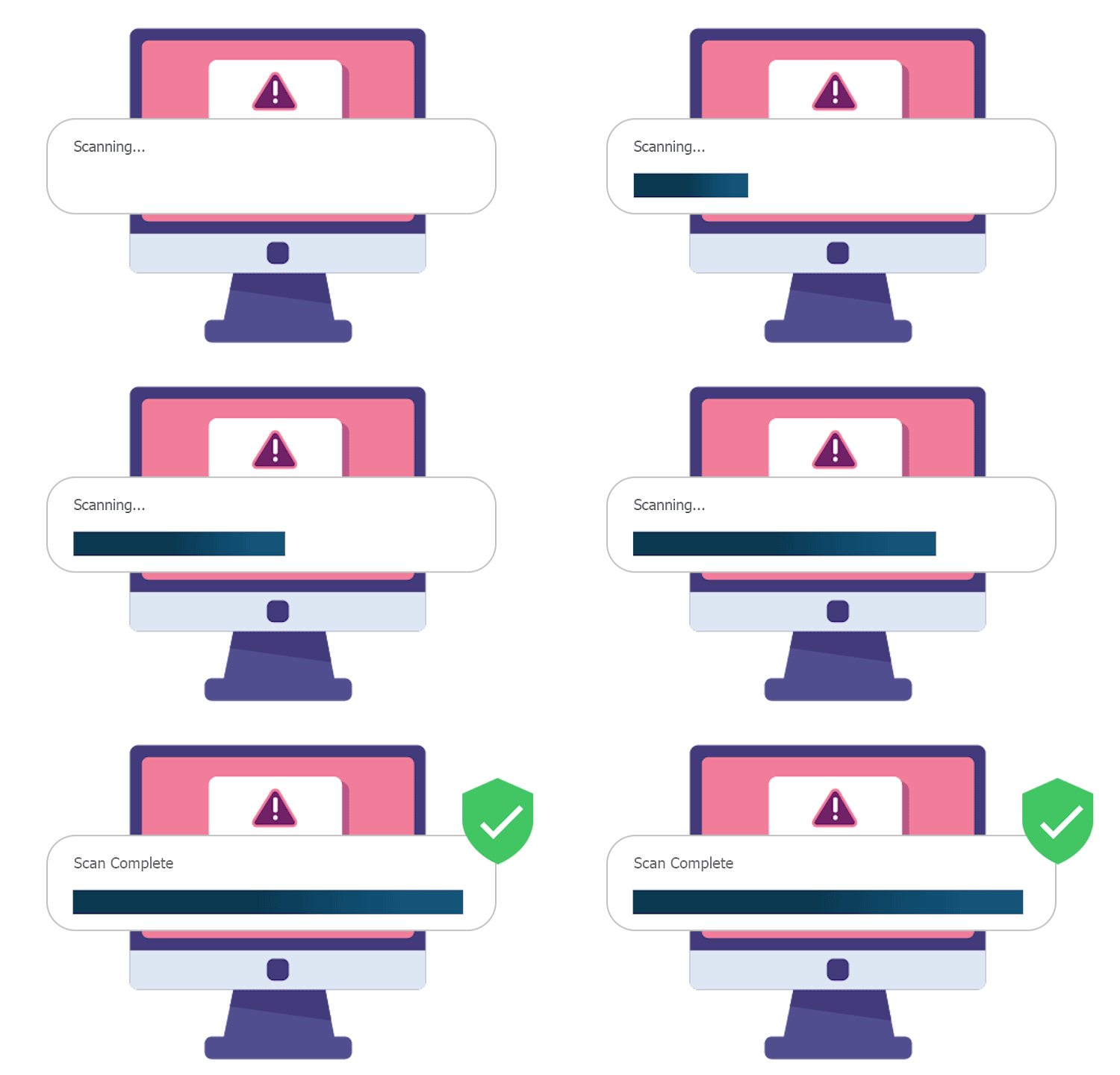

Scammers may have directed you to install remote connection software during the scam. If that software is still installed, the scammer may still be able to connect, view personal files, access accounts, or steal financial information.

This tool quickly checks for remote-access programs and hidden connections, then safely removes them to stop the scammer from getting back in.
What the Seraph Secure Threat Scanner Does

Scans
Scans the computer for running or installed programs and services

Identifies
Identifies remote access software within seconds

Removes
Removes remote access software to prevent connections
How to Run A Scan
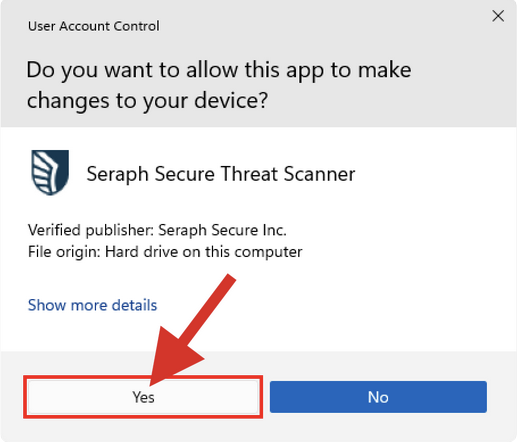
1. Allow Changes
When Windows asks "Do you want to allow this app to make changes to your device?", click "Yes" to launch Seraph Secure Threat Scanner.
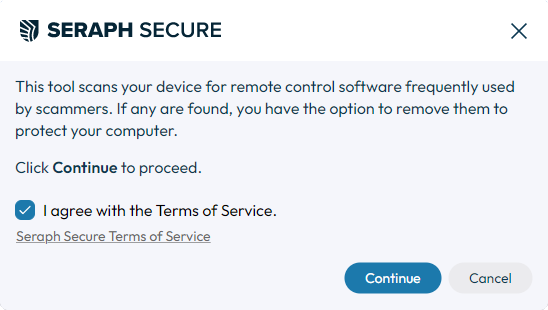
2. Agree to Terms of Service & Continue
Check "I agree with the Terms of Service" to enable the "Continue" button, then click "Continue" to proceed to the safety advisory.
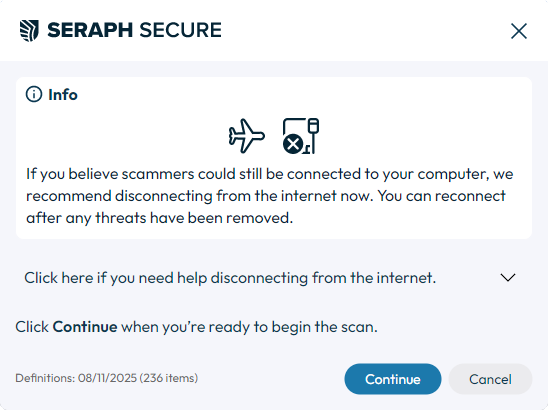
3. Advisory & Begin Scan
If you believe scammers could still be connected to your device, disconnect from the internet, then click "Continue" to begin the scan.
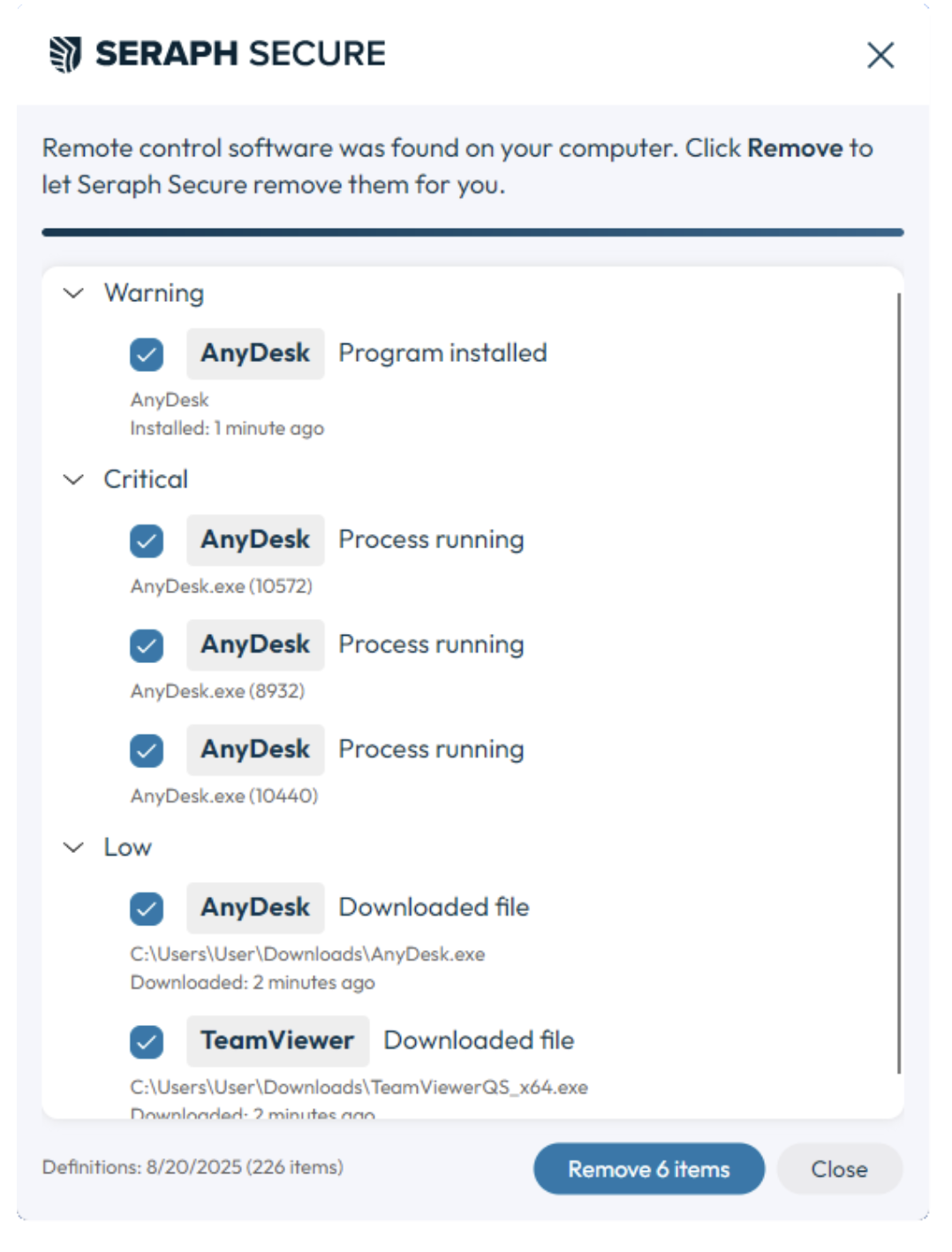
4. Review Results & Remove
Once the scan is complete, the scanner will identify remote connection software that scammers may have used to connect to your computer.
Learn More
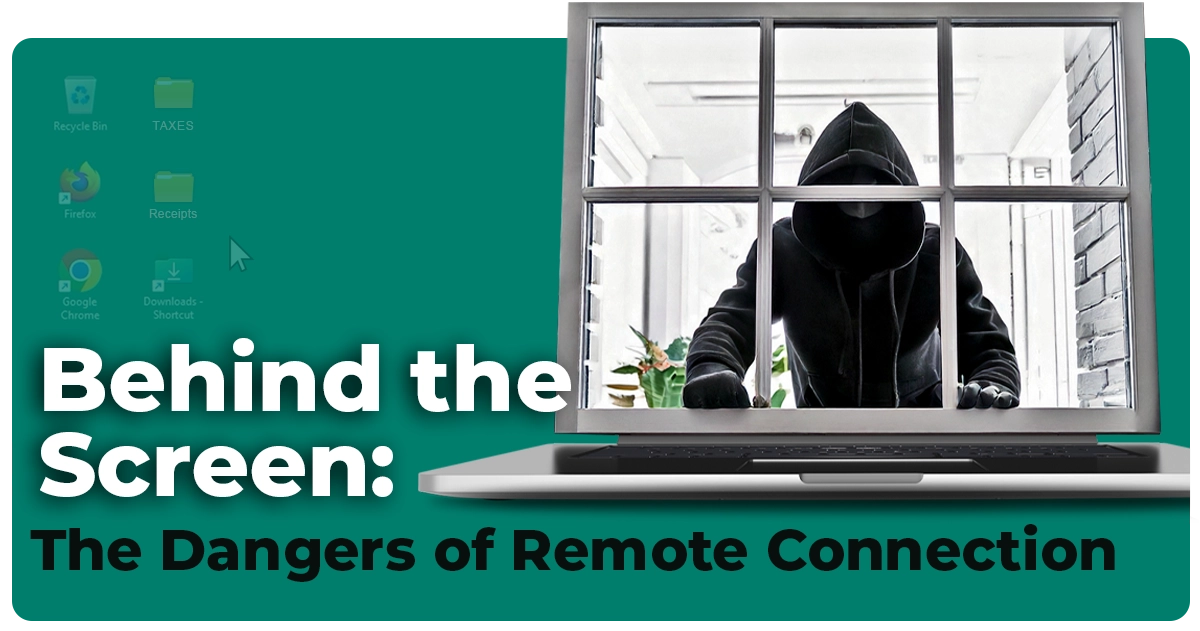
Behind the Screen: The Dangers of Remote Connection
May 9th, 2025
Scammers don’t need to hack your computer – they just ask for access. And more often than not, peopl...