
Welcome to Seraph Secure!
Seraph Secure helps you stay a step ahead of scammers. Protect loved ones, keep personal information safe, and stop scams before they start.
Our anti-scam software automatically blocks scammers from connecting to your computer, preventing criminals from stealing your information and compromising your device.
Your Premium Plan, provided at no cost
by Navy Federal Credit Union, also includes these
additional features:
Block Known Scam Websites
Our advanced detection uses pattern recognition to protect against hundreds of thousands of known scam websites.
Block Known Fake Virus Pop-Ups
Scammers use fake virus pop-up messages that take over your screen to make you believe your computer has a security issue.
Real-Time Alerts
When a scam threat is detected on your computer, get instant text and email notifications sent to you or a loved one.
Let's get you started...
Follow our guide below to set up your Seraph Secure account and software.
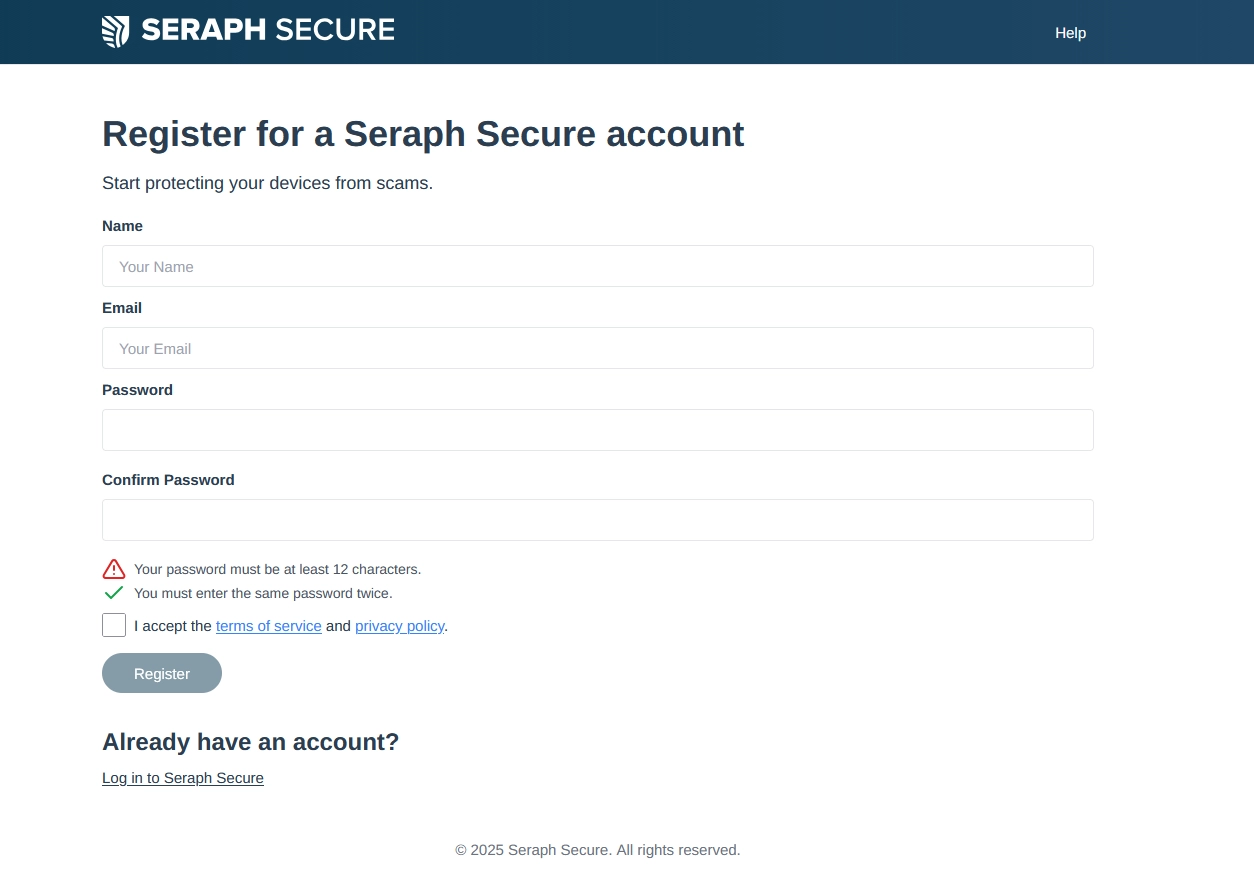
1. Register for a Seraph Secure account
Use the button below to register for your Seraph Secure account.
You'll be taken to a new tab to enter your details. When you've finished the registration, return to this tab to view the rest of the instructions.
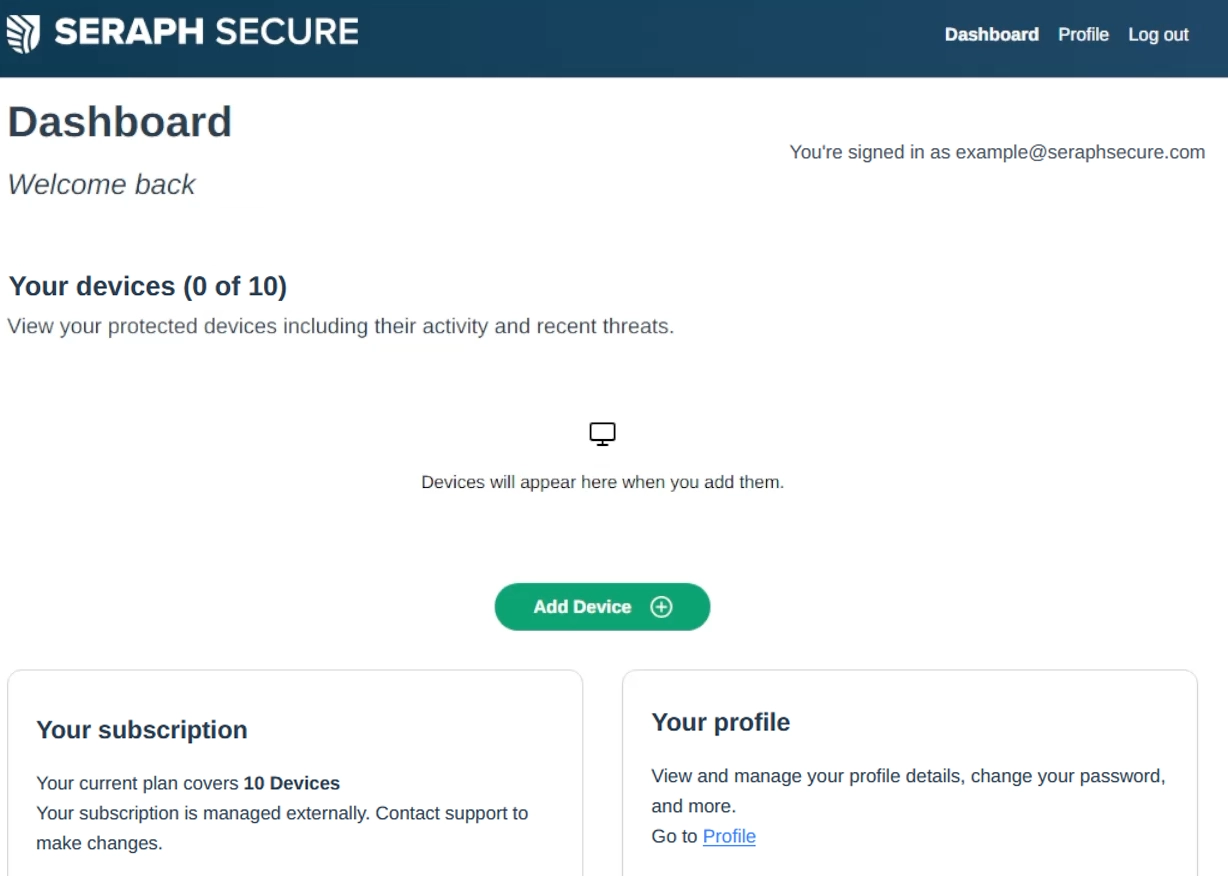
2. Add your first device and install Seraph Secure
Once you've registered, add your first device from your account dashboard and follow the prompts to download and install Seraph Secure.
Video Install Guide
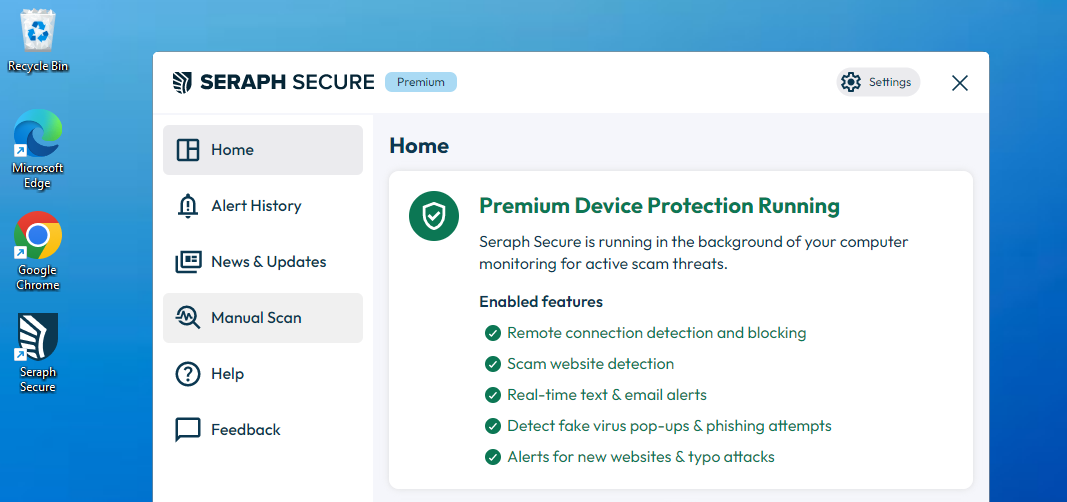
3. Get to know the software
Once Seraph Secure is installed, your Premium Device Protection will be running.
If you have any questions, you can find more information and guidance in our Seraph Secure Help Center.